01
You ask
Start with one clear question or task, like asking for help with a text message or a short explanation.
Help me write a friendly text to my neighbor.
Source: Silver AI website
Practical and Safe AI for Older Adults
Practical AI guidance for older adults, families, and caregivers.
A simple guide to AI for everyday life.
AI is a digital tool that can read your question and help you write, explain, summarize, or suggest a next step.

Copy the prompts below to get started
Start with one clear question or task, like asking for help with a text message or a short explanation.
It gives you a first answer, draft, or suggestion based on what you asked.
You can ask for changes, simpler words, or a shorter version until the answer feels useful.
You do not need to learn everything at once. Start with one small question and work through the reply slowly.
Step 1
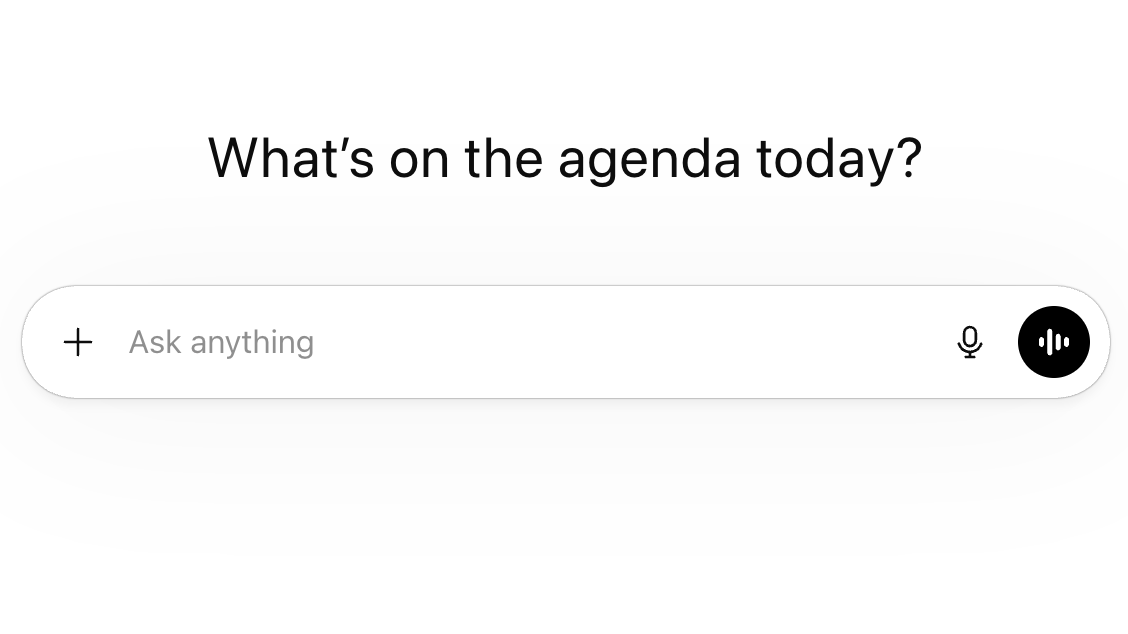
Open the ChatGPT app or go to the ChatGPT website. If you need to sign in, that setup only has to happen once.
What you are looking at
This is the home screen where you can start a new chat.
Small reminder
If account setup feels confusing, ask a family member to help with the first sign-in.
Step 2
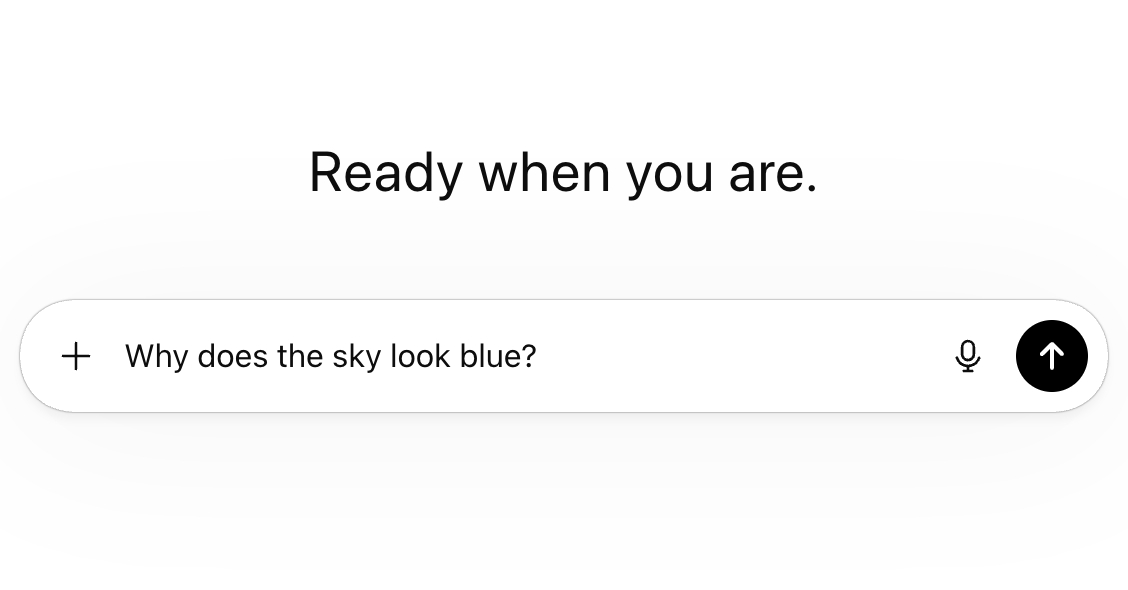
Ask for one simple thing first, such as help writing a friendly message or explaining a short document.
What you are looking at
The text box is where you type your question before sending it.
Small reminder
Your first question should be small. Aim for one quick win, not a big project.
Step 3
Look for the helpful part of the reply. You do not need to use every sentence, and it does not need to be perfect.
What you are looking at
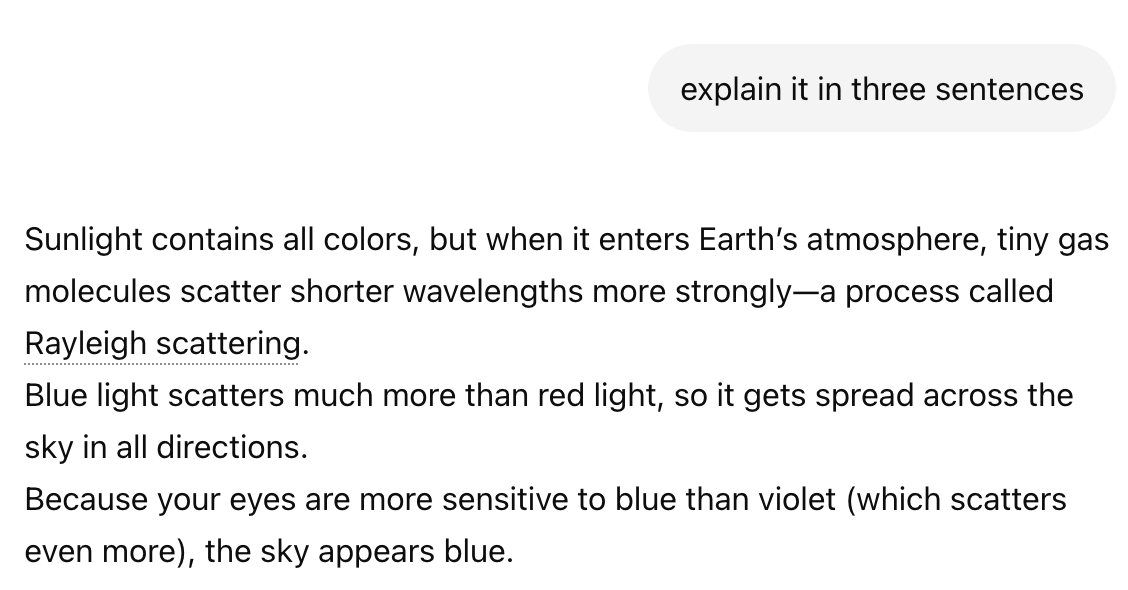
The shaded section is the AI reply. You can read it like a draft and keep only what helps.
Small reminder
It is normal to skip parts that do not fit your situation.

Step 4
Tell ChatGPT what to change. You can ask for a shorter reply, simpler words, or a warmer tone.
What you are looking at
This second message shows how you keep the conversation going instead of starting over.
Small reminder
AI often becomes more useful after one or two follow-up requests.
Step 5
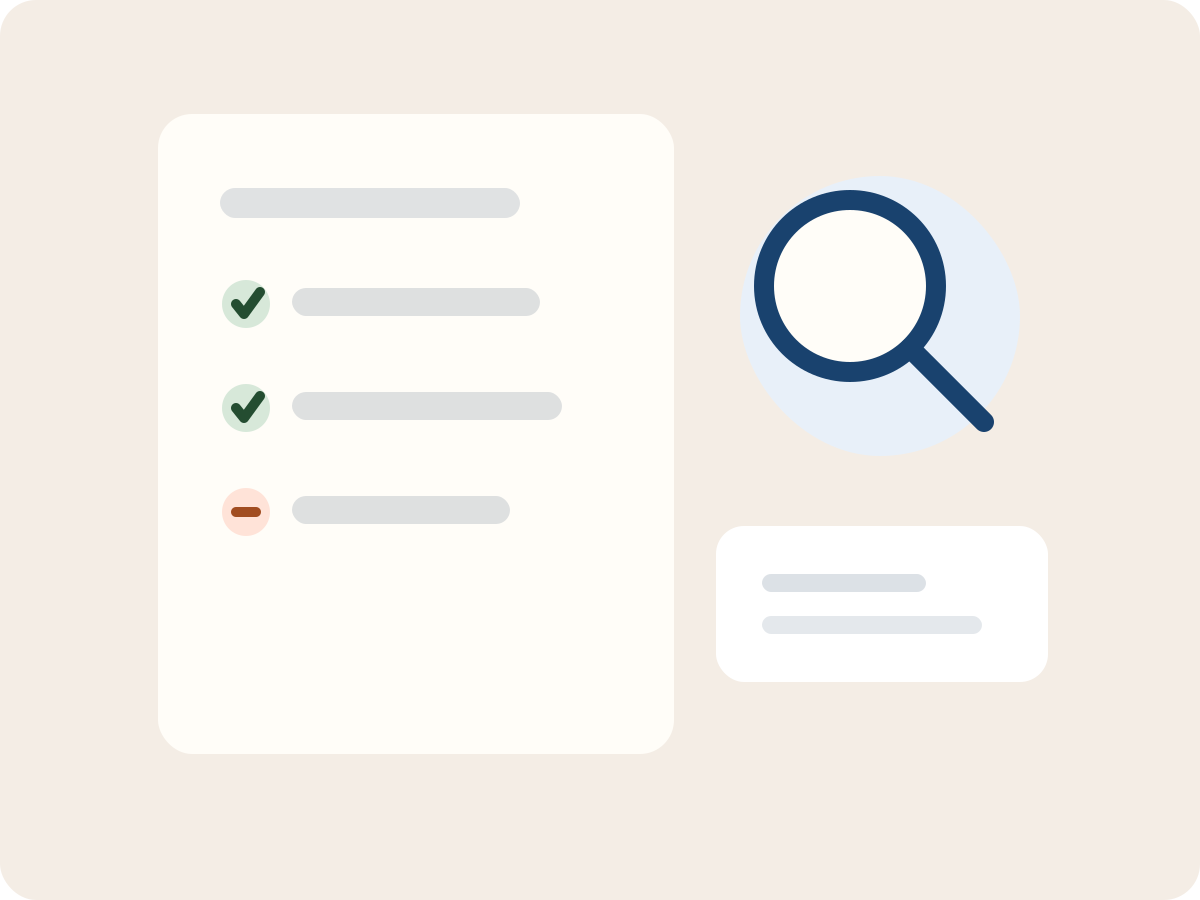
For anything important, double-check the facts and ask a real person when needed.
What you are looking at
This checklist highlights the three safety checks that matter most before acting on an answer.
Small reminder
Health, legal, money, passwords, and account security topics always need extra care.
ChatGPT can be useful and still be wrong. It may sound clear and confident even when it has misunderstood part of your question or guessed at missing details.
Check first
Double-check health, legal, money, and account security information. If the situation matters, ask a trusted person or official source.
Many AI tools feel similar on the surface. You do not need to learn all of them right now.
A chat-style AI assistant that many people use for writing, explaining, and working through longer pieces of text.
It feels similar to ChatGPT for many everyday tasks.
Another chat-style AI tool, especially familiar if you already use Google services.
Similar idea, different company.